
A ransomware backup restore test checks whether a business can recover usable data and critical systems, rather than simply confirming that a backup job completed. A careful test can reveal missing files, configuration gaps, dependencies, and unclear recovery steps before an incident puts operations under pressure.
The safest approach is to restore into an isolated test environment, validate the result against real business needs, and record what worked and what did not. CISA recommends backing up critical data and system configurations in its guidance for managed service providers and small and midsize businesses.
Start with a service, not just a backup job
Choose a business service that matters to daily operations, such as an application, shared file area, or email workflow. Identify the data, systems, configurations, and access needed for that service to work. A single file restore can confirm that a file is readable, but it does not show whether an application and its dependencies can be recovered together.
Before testing, clarify what success means to the people who rely on the service. That might mean opening a key record, running a representative workflow, or confirming that authorized staff can access the restored information. Also identify who will approve the test and who will validate the results.
Use your recovery objectives to decide what restore point to test and how long recovery can take before it disrupts the business. If those objectives have not been defined, the test is a useful opportunity to identify that planning gap. For broader planning, see business continuity planning considerations.
Run a staged restore test
- Choose the test scope. Select a critical system or service, the data it depends on, and a specific recovery scenario. Keep the scope manageable, but include enough of the service to test whether it can actually support a business task.
- Select a known-good restore point. Confirm which backup or restore point you intend to use and why it is appropriate. In a ransomware scenario, the newest copy may not be the cleanest one. Follow your incident response process and involve qualified security staff if there is any concern that backups or systems may be compromised.
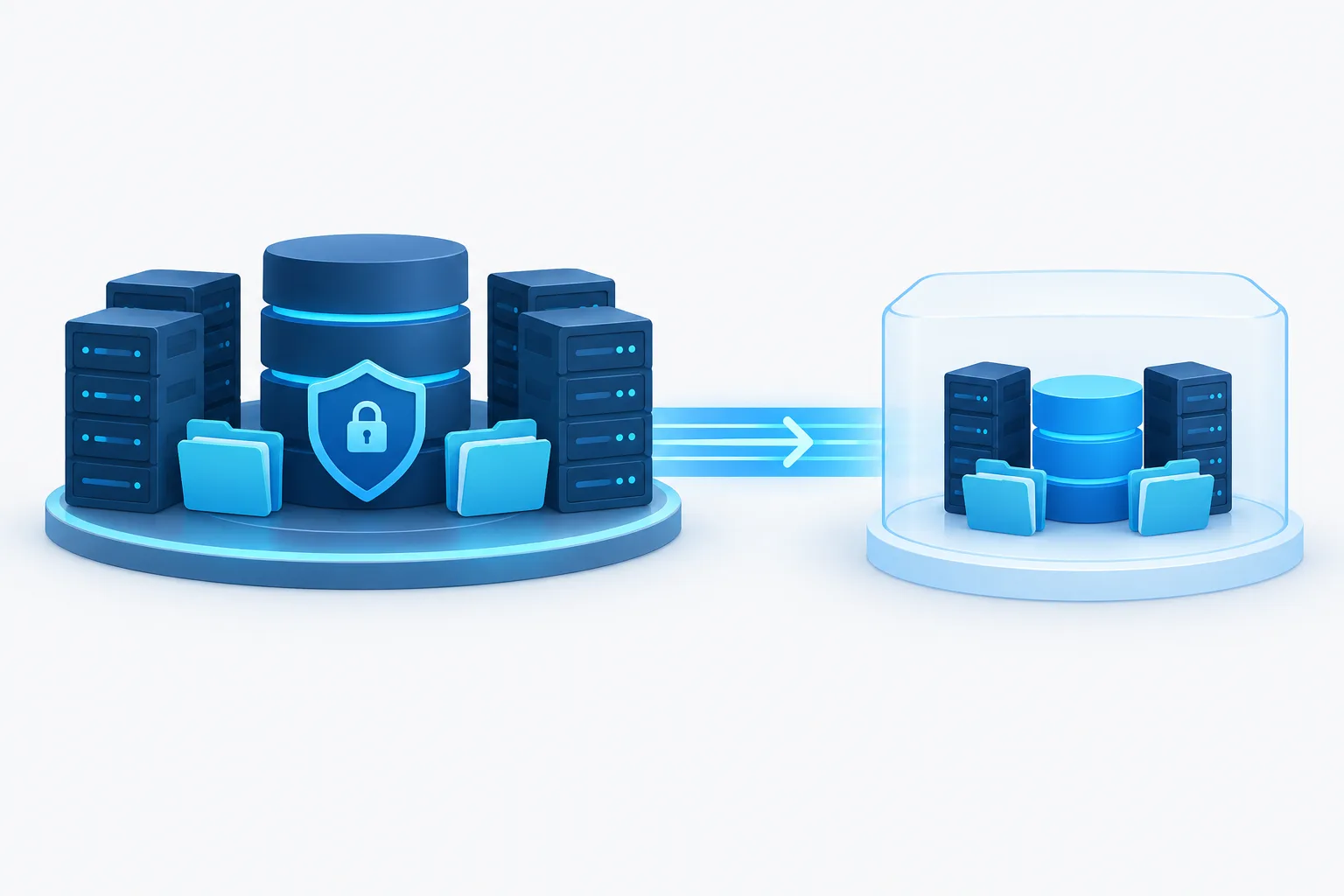
- Prepare an isolated environment. Restore to a test location that is separated from production systems. Do not overwrite live data or reconnect a restored machine to the production network just to see whether it works. Make sure the test environment itself is controlled and that access is limited to people who need it.
- Restore the data and required configuration. Follow the documented recovery steps. Include system settings, application components, and dependencies needed for the selected service, not only the obvious files. Note any manual steps, credentials, or outside assistance required.
- Check integrity and usability. Confirm that expected files are present and can be opened. Check that the application starts, records or data appear consistent, and the relevant business workflow can be completed. Test appropriate user access and permissions as well.
- Review security before reconnecting. A successful restore is not, by itself, proof that the system is safe. Check for corruption or signs of compromise using your security procedures. Do not reconnect recovered assets to production until the appropriate technical and security owners approve them.
- Record the outcome and assign follow-up. Capture the restore point, systems and data tested, elapsed recovery time, estimated data loss window, validation results, failures, owners, and next actions. Retest after meaningful changes or once corrective work is complete.
Test Microsoft 365 recovery by workload
Microsoft 365 recovery should be tested against the service and data your business needs. Exchange, SharePoint, and OneDrive have different restore options and workflows, so a successful test for one workload does not confirm that the others are recoverable. Microsoft’s Microsoft 365 Backup restore guidance describes available restore paths.
For Exchange, restore a selected mailbox item or other relevant data into a controlled destination and confirm that the intended content is present and usable. For SharePoint and OneDrive, restore representative files or folders and check their contents, locations, and access. Where the business depends on shared sites or linked workflows, verify those relationships as well.
Do not treat built-in version history or a recycle bin as interchangeable with a separate backup. They can be useful recovery options, but the test should reflect the specific recovery method your organization expects to rely on. The article on Microsoft 365 retention versus backup explains why it is important to distinguish those capabilities.
What to include in the test record
A concise record makes the result useful beyond the people who performed the restore. Include:
- The service, systems, and data included in the test.
- The selected restore point and the reason for choosing it.
- The environment used and how production was kept separate.
- Elapsed time for key recovery steps and the data loss window observed.
- Integrity, application, access, and business-workflow validation results.
- Any missing dependencies, unclear instructions, failures, or security concerns.
- The person responsible for each follow-up action and how completion will be verified.
Keep the record with your recovery documentation so the people responding to an incident can find it. NIST’s Guide for Cybersecurity Event Recovery also supports planning and improving recovery activities. A test that uncovers a gap is still valuable if the business assigns and tracks the corrective work.
How often should a business test backups?
There is no single schedule that fits every business. Set a cadence based on the importance of the service, how often its data or configuration changes, and the time the business can tolerate disruption or data loss. Test again when major systems or recovery procedures change, and confirm that earlier failures have been addressed. A backup monitoring alert is useful, but it does not replace a restore test.
Frequently asked questions
How do you test whether a backup can restore a critical system?
Restore it into an isolated environment, then check data integrity, system configuration, application behavior, user access, dependencies, and a representative business task. Record the result and any manual steps required.
How can you test a restore without putting production systems at risk?
Use a separated test environment, avoid overwriting production data, and keep the restored system disconnected from production until it has passed security and functional checks. Assign an owner to approve any later connection.
What is the difference between testing a backup and testing a full recovery?
A backup test may confirm that selected data can be retrieved. A full recovery test checks whether the system or service, including its configuration and dependencies, can support the business task it is meant to perform.
How can a business tell whether a restored system is safe to reconnect?
Follow the organization’s security review process to check for corruption or signs of compromise, validate the system’s configuration and access, and get approval from the appropriate technical and security owners. A restore completing successfully is not enough on its own.
Make the test part of recovery readiness
A practical ransomware backup restore test verifies more than stored files. It checks whether a business can recover a service safely, understand the steps involved, and close gaps that could slow recovery. Zevonix provides managed IT support, cybersecurity, backup and recovery, and business continuity planning for businesses in Palm Coast, Flagler Beach, Bunnell, and the surrounding Flagler County area. To discuss a recovery test for your business, call (386) 260-0777.