
An AI assistant data access security checklist can help your business assess risk before connecting a tool to email, shared drives, or customer records. The key is to review the actual connection, not just the tool’s general privacy claims. Check which data it can reach, what permissions it receives, how the provider handles information, and how your team will monitor activity.
This review applies whether the assistant is a vendor-hosted product or a connector your team operates. NIST recommends managing AI risks across a system’s lifecycle, from planning and deployment through ongoing use and review. NIST’s AI Risk Management Framework FAQs offer context for treating oversight as an ongoing process rather than a one-time approval.
Start with the data and the business purpose
Before enabling an integration, write down what you want the assistant to do. For example, is it meant to summarize selected documents, help draft email replies, or find information in customer records? A clearly defined purpose makes it easier to identify which data sources and permissions are actually needed.
- List the connected systems. Identify each mailbox, shared drive, customer database, and other source the assistant may use.
- Identify sensitive information. Consider whether those locations contain customer, employee, financial, health, legal, confidential business, or other restricted information.
- Check who can see the data already. Review sharing settings and mailbox or folder permissions before connecting the assistant. A tool may surface information that a user could already access, even if that access is broader than the business intended.
- Decide what the assistant should not access. Exclude repositories, folders, or records that are not necessary for its stated purpose.
Permission-aware behavior does not replace a review of your existing permissions. If a shared folder is available too broadly, connecting an assistant can make that access easier to use without correcting the underlying issue. For related steps to protect business information, see this guide to securing business data.
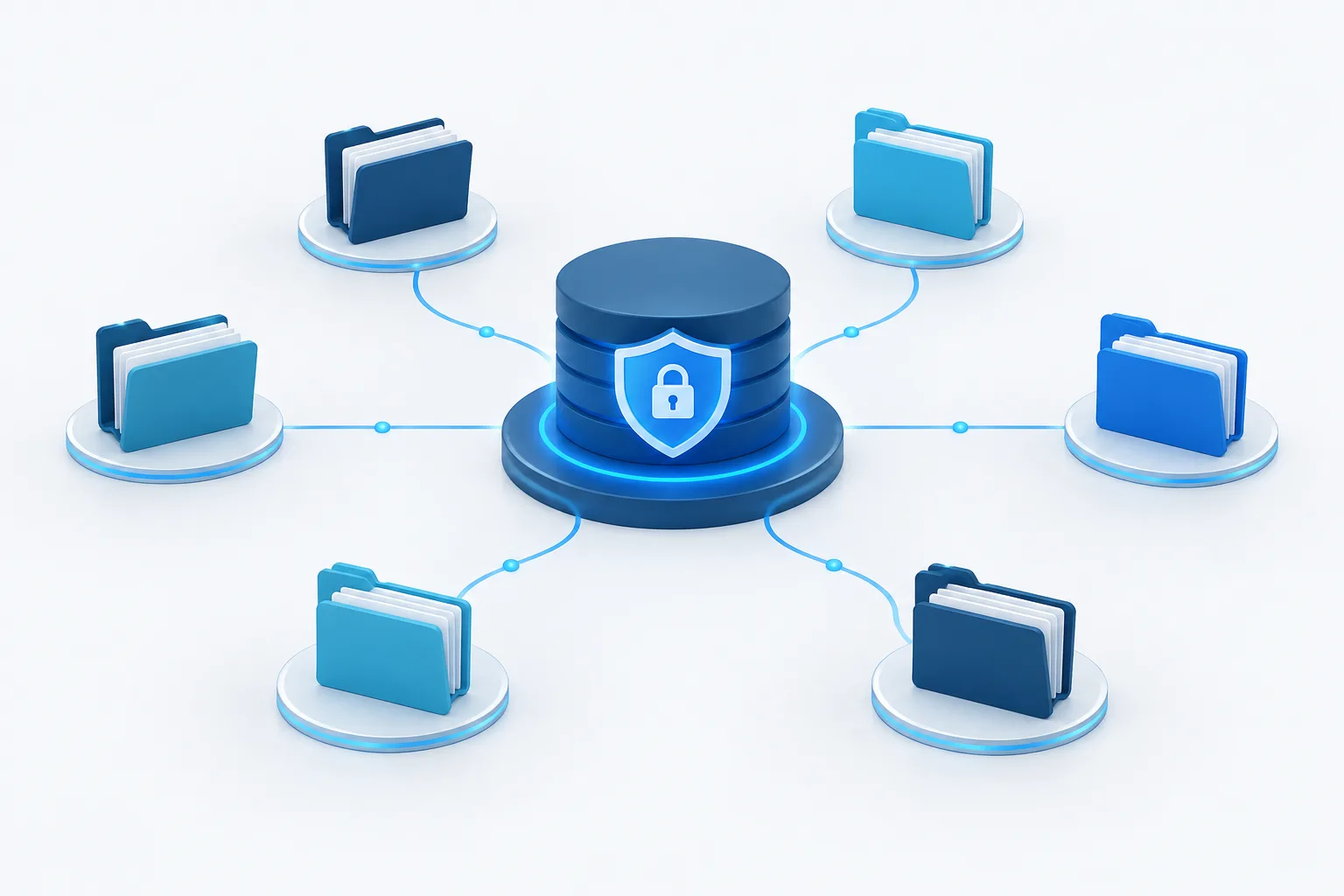
Inspect the permissions being requested
Do not approve an integration based only on a short description such as “connects to email.” Look at the specific OAuth scopes, API permissions, or service-account access being requested. These show what the connection is allowed to do, such as reading messages, editing files, or sending email. The exact options depend on the platform and integration.
- Match each permission to a task. Ask why the assistant needs it and whether a narrower permission would work.
- Distinguish reading from changing. If the use case only needs summaries, check whether write, delete, send, or sharing permissions can be left off.
- Limit access to specific users or locations. Avoid granting organization-wide access if a smaller, defined set of accounts or files will serve the purpose.
- Review the consent screen and requested scopes. Google’s guide to configuring OAuth consent and choosing scopes explains what administrators can examine during that process.
The principle of least privilege means granting only the access needed for the task. Microsoft’s guidance on least-privileged application access can help when reviewing permissions in that environment. Apply the same practical question across systems: can you reduce access and still meet the business need?
Ask how the provider handles your information
Read the provider’s terms and product documentation for the specific service and configuration you plan to use. Do not assume that all AI products, account types, or settings handle business data the same way. Get clear answers about:
- Model training: Can prompts, files, or assistant responses be used to train or improve models? Does the answer vary by setting or account type?
- Retention: How long are prompts, uploaded files, retrieved content, and responses kept?
- Deletion: What happens to data when a user removes it, an integration is disconnected, or the service is ended?
- Subprocessors: Which other providers may process the information, and what information might they receive?
- Incident handling: How will the provider notify your business about a security incident affecting its service or your data?
- Data return: Can your business retrieve its information or records when the service ends?
If a point is unclear, ask the provider to clarify it in writing before connecting sensitive sources. A general claim that information is protected is not a substitute for understanding retention, training use, deletion, and access terms.
Plan for oversight after launch
Decide who in your business can approve the connection, who owns the integration, and who will review its activity. Check whether the system can record what data the assistant accessed and what actions it took. Confirm where those logs are kept, who can review them, and how concerns will be escalated.
- Keep a record of the approved purpose, data sources, permissions, and responsible owner.
- Review access when users change roles or no longer need the assistant.
- Know how to revoke the integration’s access promptly.
- Set a process for reviewing logs and investigating unexpected access or actions.
- Include connector updates, vendor changes, and changes to the assistant’s capabilities in ongoing reviews.
For businesses handling regulated or sensitive records, identify which requirements apply to the specific information and use case. Have the appropriate compliance or legal professionals review vendor agreements and safeguards before making the connection. A healthcare business should take particular care before an AI tool handles protected health information; do not treat a general-purpose connection as automatically appropriate for that data.
Test before expanding access
A staged rollout helps reveal permission problems and unexpected behavior before the assistant is available across the business. Start with a limited group and a carefully chosen dataset that does not expose information beyond what is needed for evaluation.
- Prepare the environment. Review existing mailbox and shared-drive access, remove unnecessary sharing, and document the intended use.
- Connect narrowly. Grant only the permissions and data access needed for the test.
- Try realistic tasks. Check whether the assistant can retrieve only appropriate information, and whether it attempts actions beyond the intended scope.
- Review the evidence. Examine available logs, prompts, outputs, and access records. Confirm that staff know how to report a concern.
- Decide whether to expand. Address issues first, then make a deliberate decision about broader access. Continue reviewing after expansion.
Testing should include both expected use and plausible mistakes, such as a user asking for information outside the approved purpose. The goal is to understand what the connection can do and how staff will recognize and respond to a problem.
Additional checks for a Linux-hosted connector
If a connector runs on a company Linux server, review the host as part of the integration. Use a dedicated service account rather than a personal account, and restrict that account’s file and API permissions to the connector’s actual needs. Protect credentials, keep them out of source code and routine logs, and define how they will be rotated or revoked.
Also consider network access. Limit outbound connections to what the connector needs, monitor the host and its activity, and keep its software and dependencies maintained. Confirm who owns updates, log review, and incident response. These operational controls do not replace a review of the AI provider’s data handling or the permissions granted to the connector.
For another perspective on setting rules for staff, see the guide to an employee AI-use policy. A policy can explain acceptable use, while this connection review focuses on what the assistant itself can access and do.
Make approval an ongoing decision
Before connecting an AI assistant, establish its purpose, inspect its exact permissions, review provider terms, and plan for logging, testing, and revocation. Limit access to the information and actions the use case requires, and revisit the decision when the system, data, or business need changes.
Zevonix provides managed AI services and Linux managed services for businesses in Palm Coast, Flagler Beach, Bunnell, and surrounding Flagler County. If your team is evaluating an AI connection, contact Zevonix to discuss the systems and access considerations involved.